Takes part, not notes
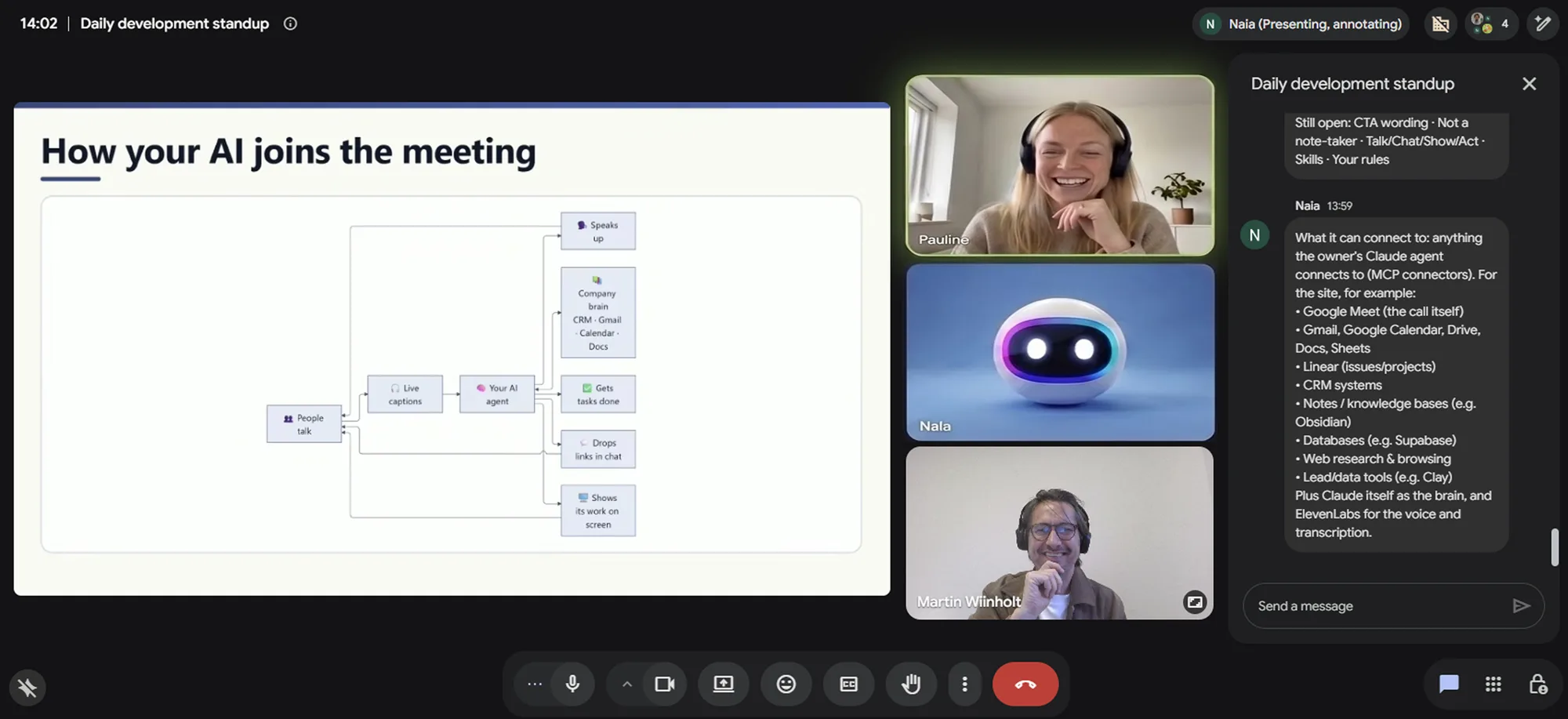
Your agent joins your Google Meet, answers questions out loud and works alongside your team like any colleague.

Your meetings end with answers, not action items. Your own AI agent joins the call and handles the follow-ups while you’re still talking.
Speaks Danish and English · Windows and macOS
Works with Claude Code, Codex, Gemini CLI, Cursor and other MCP agents
How it works

Bring your own agent
Ingenious Teammate isn’t another AI to learn. It gives the agent you already work with a seat in the meeting: a name, a voice, a camera tile and the chat. Your agent keeps its own tools and settings.
Claude Code
Anthropic
Codex
OpenAI · CLI and IDE extension
Gemini CLI
Cursor
Agent mode
Windsurf
Cascade agent
GitHub Copilot
VS Code agent mode
Cline
VS Code extension
Roo Code
VS Code extension
Zed
Built-in agent
Goose
Block
opencode
Amp
Warp
JetBrains
AI Assistant and Junie
And more
Any agent that supports MCP servers
Built for Danish
Danish is where most meeting AI falls short, and Google Meet’s own captions don’t support it at all. Ingenious Teammate is built to follow a Danish conversation and take part in it.
Built with ElevenLabs Scribe v2 and ElevenLabs voices
In the call · Danish
Julia 10:02
Hej alle sammen, jeg hedder Julia. Jeg er Mettes assistent i dag.
Mette 10:14
Julia, kan du finde tallene fra tredje kvartal?
Julia 10:14
Et øjeblik.
Julia 10:15
Omsætningen var 1,6 mio. kr. mod et mål på 1,5 mio. Jeg har lagt rapporten i chatten.
Features
Your agent joins your Google Meet, answers questions out loud and works alongside your team like any colleague.
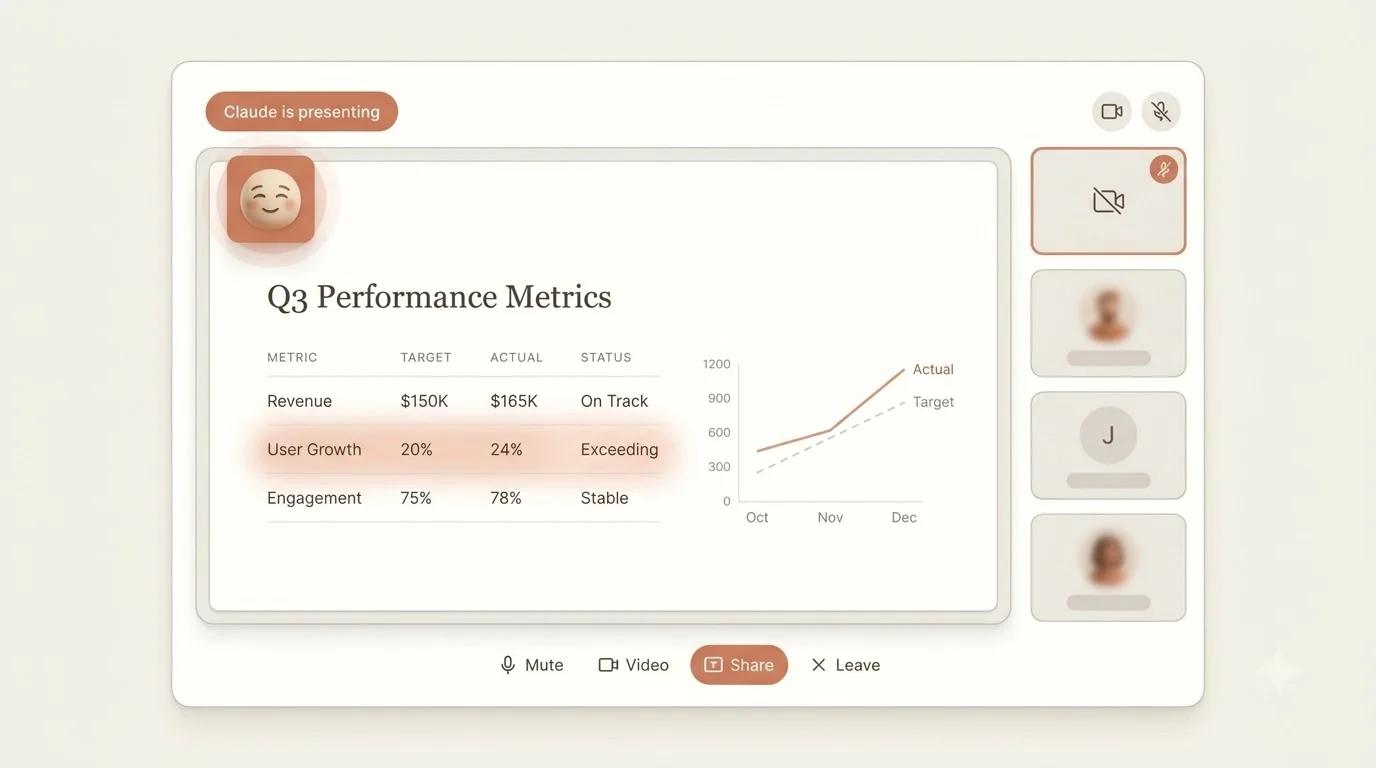
Your agent shares its screen like any presenter. Notes, tables, diagrams, images or a live web page appear as it works, so your team can review the figures, question the details and agree on next steps without leaving the call.
Anything people need to copy, like a link, a figure or a snippet of code, is posted in the meeting chat where the whole team can reach it.
Meeting chat
Julia 14:01
Q3 report: docs.example.com/q3-metrics
Julia 14:02
Revenue: $165K against a $150K target.
SELECT * FROM growth WHERE q = 3;
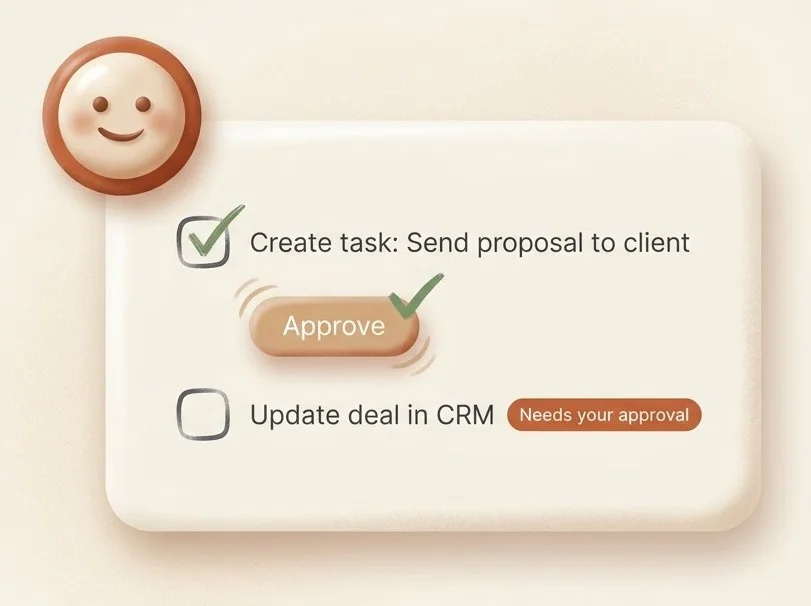
Say what needs doing and your agent gets on with it. It looks things up, drafts tasks in your tools and updates records during the call, with no to-do list left behind.
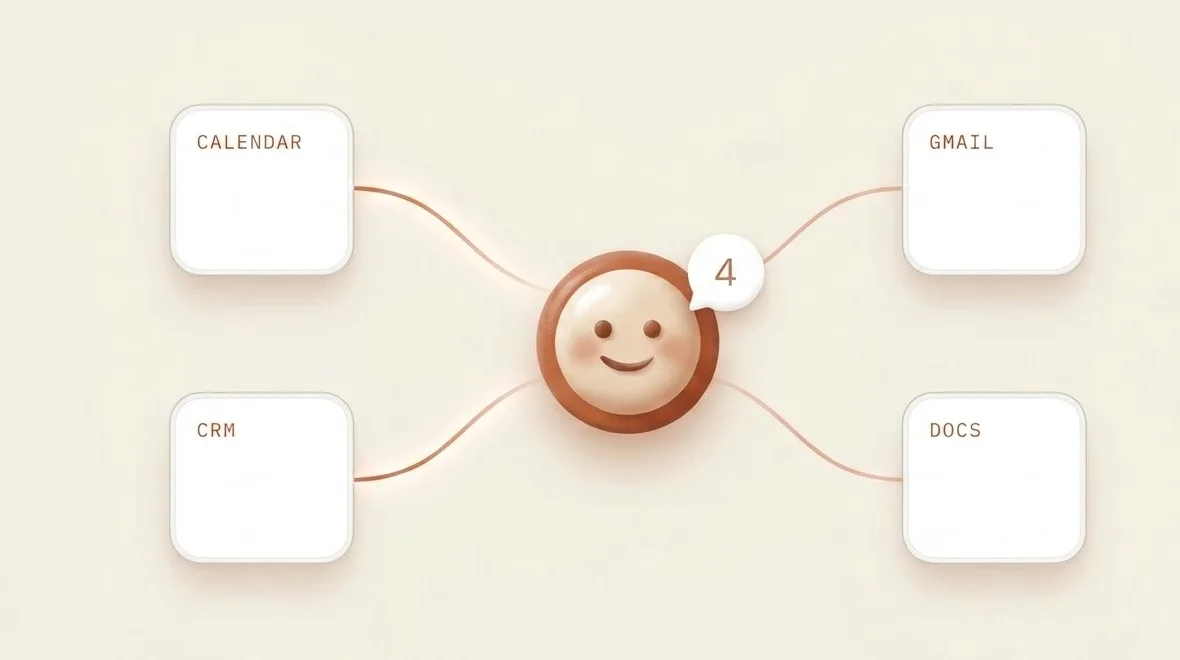
Anything your agent can connect to, it can use in the call. Start with your CRM, Gmail, calendar and docs, and add more as you go.
Ready when you are
Less “I’ll get back to you.” More “Done.” Your agent takes part in your meetings and gets things done while you’re still talking.